Why Does a JPEG Download as JFIF?
Find out why a JPEG saves with the .jfif extension, how websites and Windows influence the filename, and whether to rename or convert the image.
A JPEG can download with a .jfif extension because the website, browser response, or Windows MIME mapping selected that filename. The image is often still based on JPEG compression; the visible change is usually the extension and the compatibility behavior attached to it.
This is why the image can open normally in a browser or photo viewer but fail in an upload form that only allows .jpg and .jpeg.
Need a compatible file now?
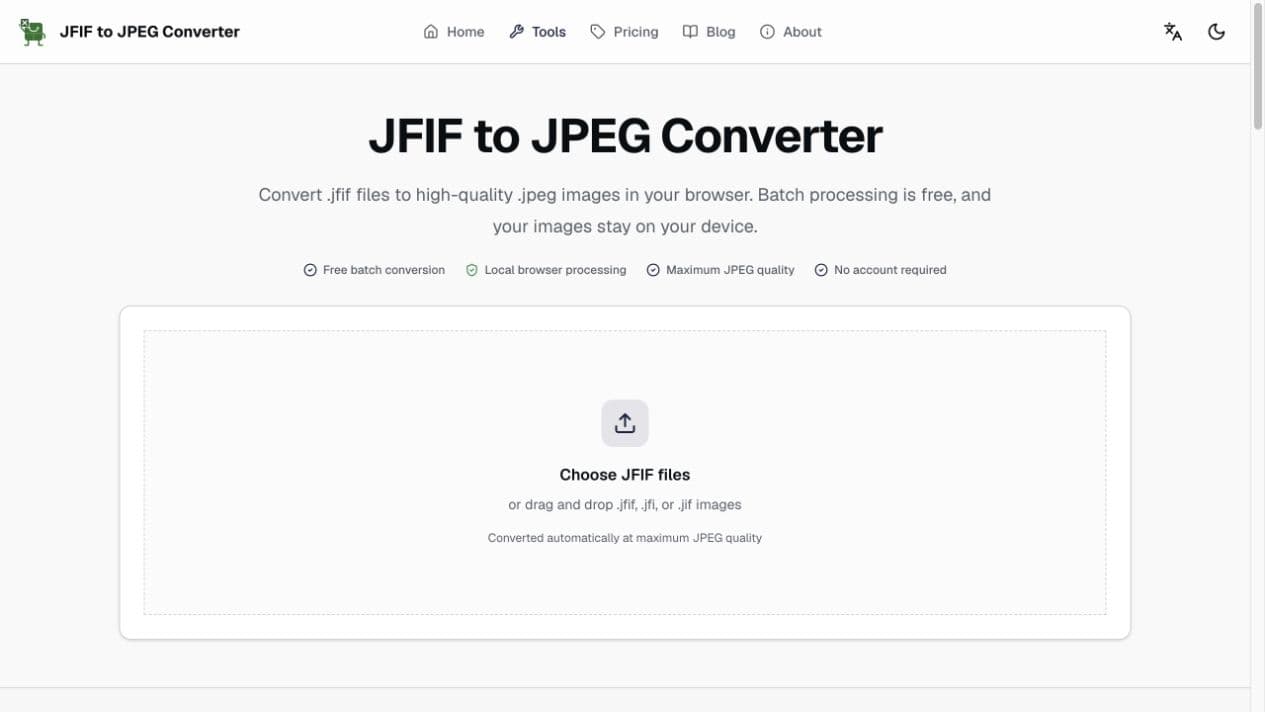
The JFIF to JPEG converter creates a new maximum-quality .jpeg copy locally in your browser.
What JFIF means
JPEG describes the image compression standard. JFIF, short for JPEG File Interchange Format, describes a common way to store and exchange JPEG-compressed images.
The terms overlap in everyday use:
| Label | Typical extension | Practical meaning |
|---|---|---|
| JFIF | .jfif | A JPEG interchange convention that some systems expose as the filename extension |
| JPEG | .jpeg | The long extension commonly accepted by image tools and websites |
| JPG | .jpg | A shorter extension for the same JPEG image family |
Four reasons a JPEG downloads as JFIF
1. The website supplied a .jfif filename
A site can name an image directly or send a download header that suggests a filename. If that name ends in .jfif, the browser may preserve it even when the image uses JPEG compression.
2. Windows maps image/jpeg to .jfif
Windows uses MIME associations to connect content types with filename extensions. If the local image/jpeg mapping prefers .jfif, browsers can repeatedly offer that extension.
3. The browser has a cached or modified download response
Cached site data or an image-downloader extension can influence the saved filename. Testing in a private window or another browser helps identify this case.
4. Windows is hiding the real extension
When file extensions are hidden, a filename can look like it changed unexpectedly. Turn on File name extensions in File Explorer before renaming or diagnosing the file.
How to identify the cause
- 1Show file extensionsIn Windows File Explorer, enable View > Show > File name extensions and confirm the actual suffix.
- 2Try another websiteIf only one site uses .jfif, its filename or download headers are probably responsible.
- 3Try another browserIf the same site saves as .jpg elsewhere, inspect browser extensions, cache, and local associations.
- 4Test a renamed copyDuplicate the file, rename the copy to .jpg, and see whether the target app accepts it.
- 5Convert when compatibility still failsCreate a new JPEG file when renaming does not satisfy the upload form or editor.
Can you just rename JFIF to JPG?
Often, yes. Renaming changes the filename, not the image data. It is useful when the receiving app only checks the extension and the file already contains valid JPEG data.
Renaming is not enough when:
- The application inspects the image content instead of only the extension.
- The file is damaged or does not contain valid JPEG/JFIF data.
- You need a clean export with a predictable MIME type.
- You want to convert a large batch consistently.
In those cases, decode the image and export it as a new JPEG. Keep in mind that JPEG re-encoding is lossy and browser conversion normally removes EXIF metadata.
How to fix files that already downloaded as JFIF
For one file, open it in Paint on Windows or Preview on macOS and export a JPEG copy. For several files, batch conversion is faster and gives every output a consistent extension.
How to stop future JFIF downloads
- Enter .jpg or .jpeg manually in the Save As dialog when the website allows it.
- Keep file extensions visible so you can verify the result.
- Test without image-downloader or file-renaming browser extensions.
- Compare another browser before changing system settings.
- Ask an administrator to inspect Windows MIME associations if every site and browser uses .jfif.
For a step-by-step workflow, read how to save images as JPEG instead of JFIF.
FAQ
Why is my computer changing JPEG files to JFIF?
The most common causes are a .jfif filename supplied by the website, an image/jpeg MIME mapping in Windows, or a browser download response that does not specify a normal .jpg filename.
Is a JFIF file still a JPEG image?
Usually, yes. JFIF is a common interchange format for JPEG-compressed image data. The different extension can still cause compatibility problems in apps that only allow .jpg or .jpeg.
Is it safe to rename JFIF to JPG?
Renaming is generally safe when the file already contains valid JPEG data, but it does not change the bytes inside the image. Convert the file when an application still rejects it.
How do I stop images downloading as JFIF?
Use a .jpg filename in Save As, make file extensions visible, test another browser, and check whether the problem occurs on every site. A repeated Windows-wide issue may require an administrator to inspect the image/jpeg MIME association.
Why does the same image download as JPG in another browser?
Browsers can interpret a website's filename and content headers differently, and extensions or cached responses can also change download behavior. Comparing browsers helps isolate whether the cause is the website or the local setup.
How do I convert multiple downloaded JFIF files?
Use the batch JFIF to JPEG converter. It automatically creates maximum-quality .jpeg files that you can download together as a ZIP archive.